WordPress, automatically convert & upload WebP files using Cimo plugin
Introduction
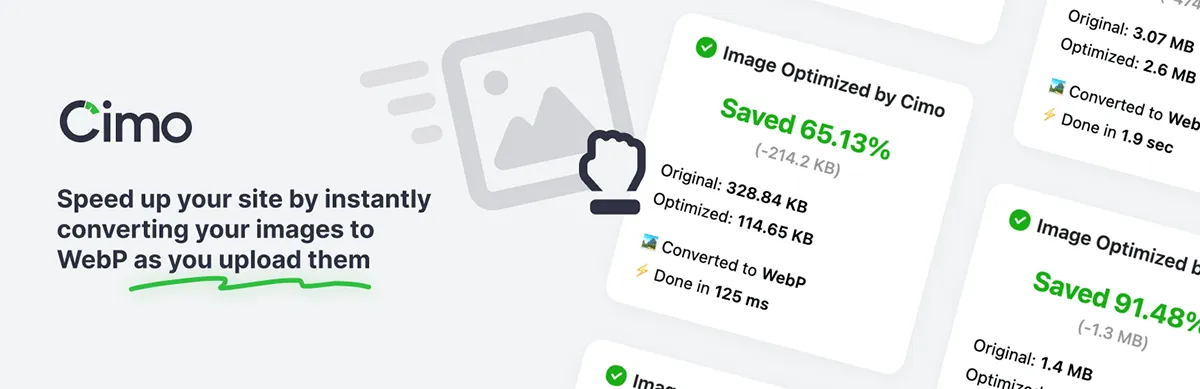
Occasionally you come across a great bit of software that does one job and does it perfectly. Welcome to the Cimo WordPress Plugin – it optimises and converts images instantly as you upload, even before the files are added into the Media Library.
Say what now?
You read that correctly. The file processing happens locally within your Browser, only the optimised (WebP) images are uploaded and entered into the Media Library. So simple, yet so very elegant.
Quick overview of features
The Cimo plugin from Benjamin Intal offers completely free unlimited optimisation. It allows images to be compressed without restrictive quotas. By converting image files into WebP, it delivers a next-gen format without the need for external services, ensuring modern standards for better web performance.
Client-side processing
This means faster uploads while keeping server load minimal, creating a smooth, efficient workflow. Nothing is sent beyond your local working environment, this maintains a strict privacy-first approach whilst protecting sensitive data from third-party access.
100% free with no API keys
You’ll never run into quotas, limits, or paywalls. You can optimise as many images as you like, for as long as you like – free now, free forever. And, because it’s lightweight by design, with no need for API keys, background jobs, or server-side processing it removes a lot of unnecessary complexity meaning your life just got easier.
Media Library Interface
Once the plugin is installed and activated you’ll see a new panel when uploading images to the Media Library. In the example below, you can see the usual behaviour, a newly uploaded image is shown twice, on both the left and right sides, with a Cimo details panel appearing just beneath Attachment Details on the right.
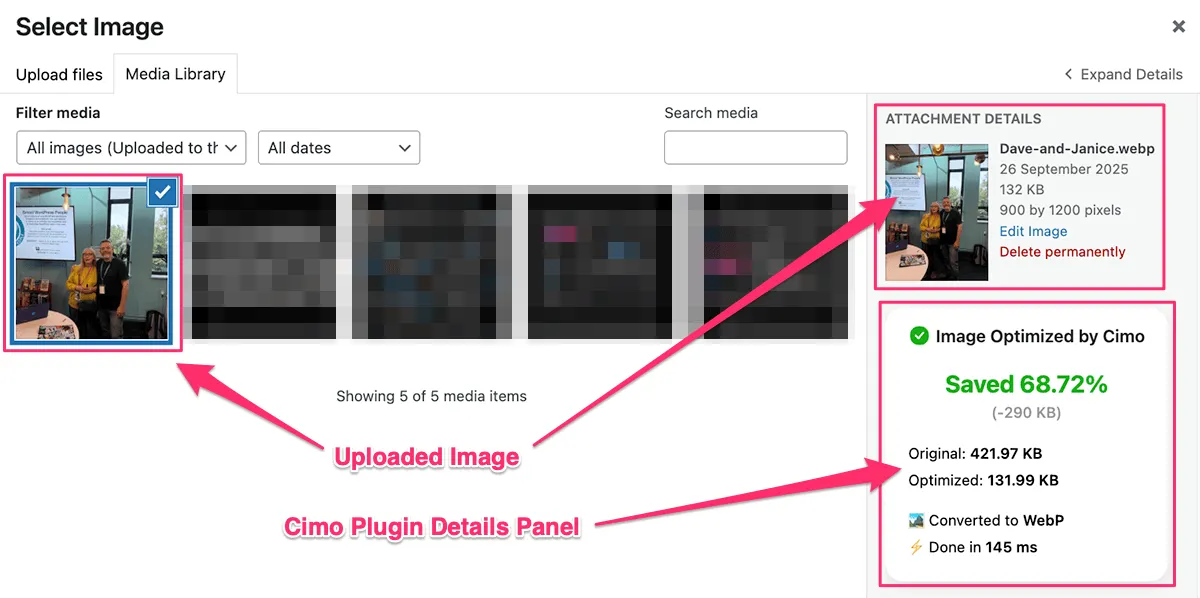
The panel is also viewable under the Edit Media screen after uploading that shows all the same statistics.
Requirements & caveats
At time of writing (October 2025) the following are the minimum requirements;
- WordPress – Version: 6.6.3 or higher.
- PHP – Version: 8.0 or higher.
- Browsers – Chrome, Vivaldi, Firefox, Edge or Opera.
Watch out for…
- There are no settings. Algorithms automatically apply opinionated quality-to-size ratios. But it does do a good job of it!
- The Safari Browser (from Apple) currently isn’t supported but the author is in contact with their dev team to see if this issue can be addressed in later releases.
Is WebP image format well supported?
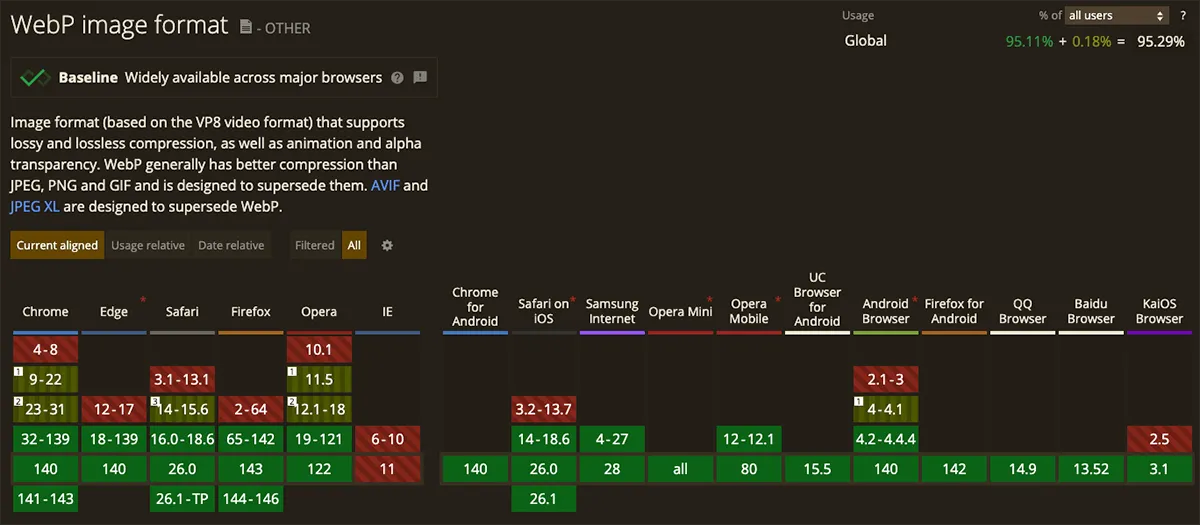
As of September 2020, WebP is known to work across all of the latest devices and major Browser versions covering >95% of use cases. However, if you really need to support older Browsers then maybe the EWWW plugin could be a better choice, otherwise, yes, it is very well supported.
Supports (works with…)
- WordPress Block Editor (Gutenberg)
- Advanced Custom Fields (ACF)
Image & Gallery Field Types - Page Builders
Elementor, Divi*, Breakdance, Bricks Builder, Oxygen, Beaver Builder & WP Bakery - Block Editor Builders
Stackable, Spectra, Kadence, Greenshift, & GenerateBlocks
According to the author, all of the above items work with and support in full (*or part) the plugin and its functionality.
Final thoughts
I’ve been on the lookout for a solution like this for quite some time. I’ve been down the EWWW image optimisation route, then created a hand-rolled (read as clunky, but worked, mostly) stop-gap, now I can relax as feel this process is solid and reliable.
The fact that it seamlessly integrates with the ACF image field types is another boon as I make extensive use of them across all my projects.
// End of Article
Article Information
Further Reading
- Cimo Plugin Home (wordpress.org)
- Benjamin Intal's WordPress.org Profile (profiles.wordpress.org)
- EWWW Plugin Home (wordpress.org)
- Can I Use WebP Statistics (caniuse.com)
- Google's WebP Page (developers.google.com)
About Dave A.K.A. 'barrd'
