Follow a users public posts on Mastodon using RSS
Introduction
I stumbled across this undocumented feature of Mastodon via a post from Fedi.Tips which I wanted to share. It’s a process that will allow you to follow a Mastodon Users Public Posts, unfortunately Replies & Private Posts are currently not supported.
It’s really simple
All you need to do is add .rss as a suffix to their profile web address. As an example my profile URL on mastodon dot social is;
https://mastodon.social/@barrdIn order to convert this to an applicable address for inputting into you favourite RSS (Really Simple Syndication) reader you need only add the .rss part;
https://mastodon.social/@barrd.rssFire up your RSS Reader
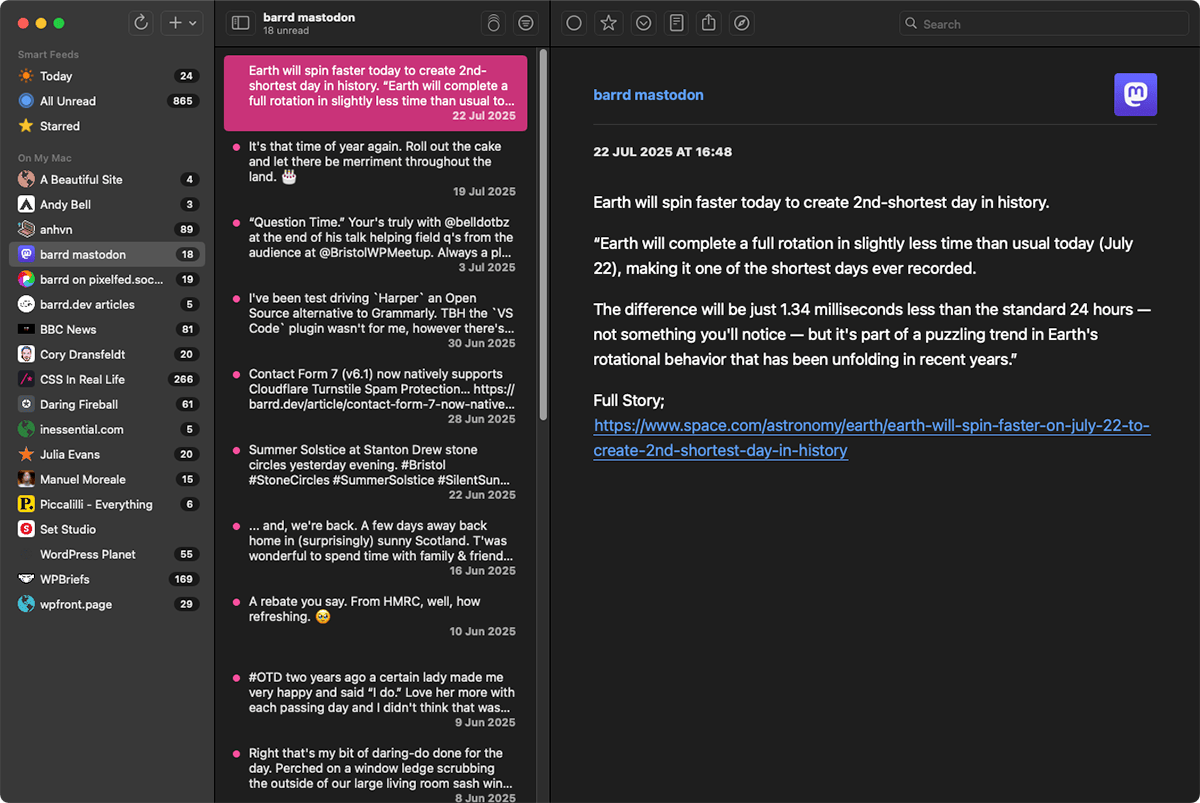
Below is a quick demonstration using my personal feed of public posts with the NetNewsWire RSS Reader showing all the posts in chronological order.
Final thoughts
If like me you enjoy the simplicity of reading people’s blogs via RSS having this facility to add favourite Mastodon accounts is a real boon. In the future this may be expanded upon but for now it works, works well and is incredibly easy to use.
// End of Article
Article Information
Further Reading
- NetNewsWire Homepage (netnewswire.com)
- Fedi.Tips Mastodon Account (mastodon.social)
About Dave A.K.A. 'barrd'
