Four staggered boxes on top of one another
Introduction
This is one small section of what will be a much larger project in the future. The concept here is to have an element that when clicked swaps its z-index (using Vanilla JavaScript) bringing it to the top of the stack.
Sanity checking
Nothing in this demo is particularly challenging, its main purpose is sanity testing, i.e. what happens if JavaScript is turned off or the viewport is insufficiently wide to support the UI?
Video showing the various states
What to look for gallery

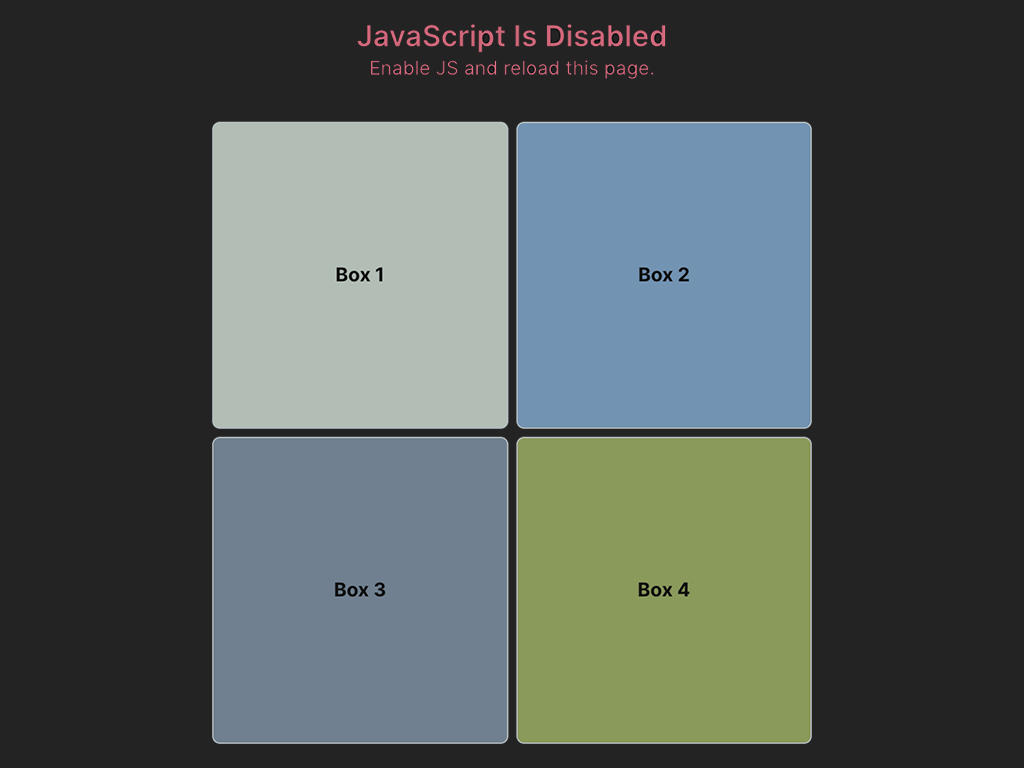
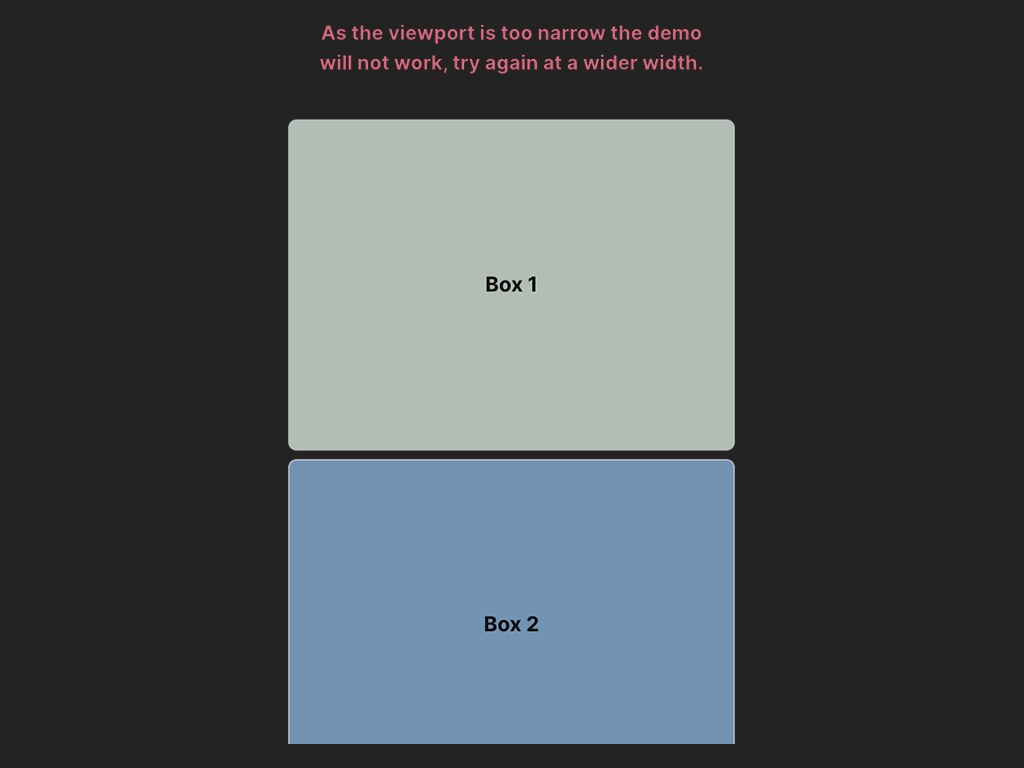
Image Index
01. How it should look and work
If you have JavaScript enabled and viewing with a device capable of displaying a viewport width of greater than 600px then all should be working correctly (See Image 1.)
02. JavaScript has been disabled
Here’s the first proper sticking point. If the user has disabled JavaScript then the CSS will still fire and make the UI impossible to use.
This isn’t just a standard accessibility issue, this will affect everyone as the elements will remain stacked on top of one another with no way to access (view) them.
Inline CSS embedded within <noscript> tags
Simplest way I could think of to manage this scenario was to fire additional CSS only if JavaScript is not available. It also only fires if the viewport is greater than 600px as by that point it’s a moot issue anyway as the mobile styles will have kicked in.
<noscript>
  <style>
  @media (min-width: 601px) {
    .wrapper {
      height: 100%;
    }
    .container {
      display: grid;
      grid-template-columns: repeat(2, 1fr);
      grid-gap: 1rem;
    }
    .box:nth-child(1),
    .box:nth-child(2),
    .box:nth-child(3),
    .box:nth-child(4) {
      position: relative;
      top: 0;
      right: 0;
      left: 0;
      font-size: 2.5rem;
      width: 100%;
    }
  }
  </style>
</noscript>
This overrides the original setup using positioning to absolutely place the elements in a z-index stack into a CSS Grid (See Image 2.)
03. Viewport width insufficiently wide for User Interface
Another sticking point is the decision about how to handle devices without the capacity to handle the UI‘s requirement of ‘real estate’ to comfortably use the swapping z-index functionality.
In this case I just used a simple @media query set to (max-width: 600px) to remove all the positioning and stack each element in a single column with a bottom margin (See Image 3) to separate them.
Download sample code
I’ve assembled all the parts so that you can play with them. The standard – software is provided “as is”, without warranty of any kind – applies here.
That’s all folks
Have fun playing with the code, if you improve upon it or have any other ideas please get in touch.
// End of Project
More Information
Further Reading
- MDN Docs: Viewport (developer.mozilla.org)
- MDN Docs: z-index (developer.mozilla.org)
About Dave A.K.A. 'barrd'
